
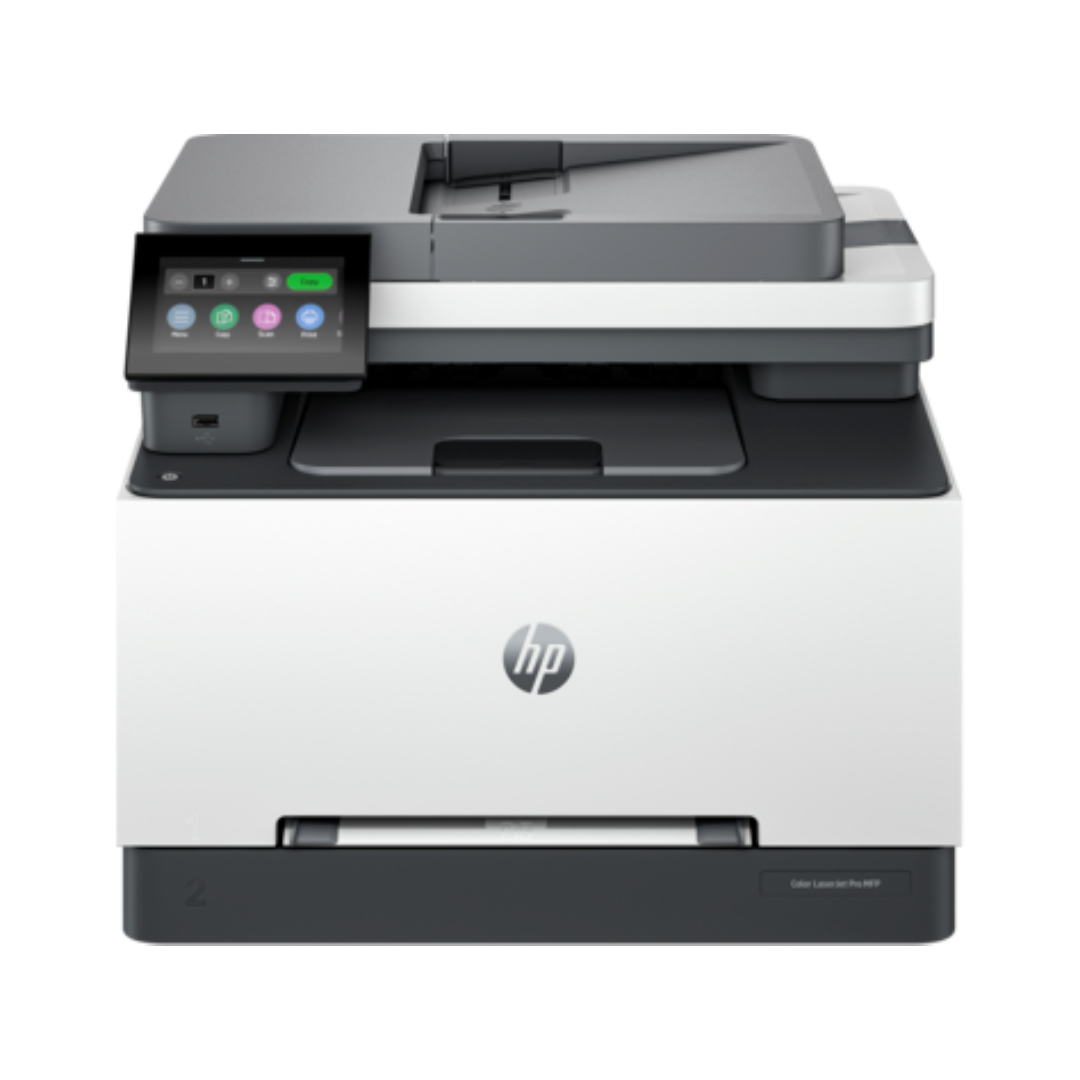
HP Color LaserJet Pro M3303fdw Printer
$4,698.00
Availability: Only 1 left in stock
HP Color LaserJet Pro MFP 3303fdw | Print, Scan, Copy, Fax
Need a fast all-in-one for your office? The HP Color LaserJet Pro 3303fdw delivers pro results. First, it prints up to 25 pages per minute. Because of this speed, work ends faster. Also, auto two-sided printing cuts paper use. Moreover, single-pass scanning copies both sides fast. Consequently, your team stays busy all day. Finally, built-in security keeps your data safe.
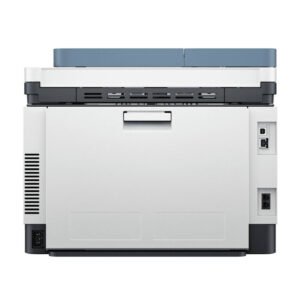
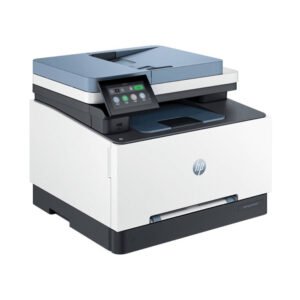
Key Features & Real Benefits
- All-in-One Tool – Print, copy, scan, and fax. As a result, you save desk space.
- Fast Color Print – Get 25 pages per minute. So, reports finish quickly.
- 4.3″ Touch Screen – Tap menus to navigate. Therefore, setup stays simple.
- Double-Sided Scanner – Scan two sides at once. Because of this, long jobs end fast.
- Large Paper Tray – Hold 250 sheets of paper. Plus, a priority slot handles special stock.
- Strong Wi-Fi – Dual-band links stay stable. So, printing rarely drops.
- Mobile Print – Send files from phones. Therefore, remote work stays easy.
- TerraJet Toner – Colors look bright and true. Moreover, pages look sharp.
- Wolf Pro Security – Built-in tools block threats. Because of this, data stays safe.
- Smart Power Save – Auto sleep cuts power use. So, you lower energy bills.
Ideal Use Cases
Small Offices – Print contracts and flyers. Since speed is high, deadlines stay met.
Home Desks – Handle school or work tasks. Because it is compact, it fits tight spots.
Design Teams – Share color proofs with clients. Moreover, toner keeps hues accurate.
Shared Spaces – Serve up to seven users. Therefore, teams work without delays.
Technical Specifications
| Feature | Detail |
|---|---|
| Brand/Model | HP Color LaserJet Pro MFP 3303fdw |
| Functions | Print, Copy, Scan, Fax |
| Print Speed | 25 ppm (A4) / 26 ppm (Letter) |
| First Page Out | As fast as 9 seconds |
| Display | 4.3″ diagonal color touchscreen |
| Paper Input | 250-sheet tray + 1-sheet priority |
| ADF | 50-sheet single-pass duplex |
| Duplex Printing | Automatic (standard) |
| Connectivity | Dual-band Wi-Fi, Ethernet, USB 2.0 |
| Mobile Print | HP Smart app, AirPrint, Mopria |
| Monthly Duty Cycle | Up to 40,000 pages |
| Recommended Volume | 150–2,500 pages/month |
| Security | HP Wolf Pro (firmware protection, secure boot) |
| Toner | TerraJet (high-yield options available) |
| Dimensions | ~16.5″ × 15.9″ × 13.4″ |
| Weight | ~37.5 lbs |
| Warranty | 1-year limited + optional HP Care Packs |
Why Choose This Printer?
Small teams trust HP for good gear. Indeed, this model blends speed and safety. Because auto duplex cuts paper, costs drop. Moreover, the touch screen makes setup easy. As a result, staff spend less time fixing issues. Also, Wolf Pro blocks threats fast. Therefore, your data stays secure. Finally, mobile print keeps work flexible.
Setup & Care Tips
- Place the printer on a flat desk. Then, plug in power and cables.
- Download the HP Smart app. Because it guides you, setup stays fast.
- Load standard paper in the tray. So, daily printing starts right away.
- Turn on double-sided printing. Plus, this saves paper every day.
- Update firmware monthly. Therefore, you get the latest fixes.
Frequently Asked Questions
Q: Does it work with Mac and Windows?
A: Yes. Since it supports both, setup is easy. So, mixed offices stay happy.
A: Yes. Since it supports both, setup is easy. So, mixed offices stay happy.
Q: Can I print from my phone?
A: Yes. Because of the HP app, phones link fast. Therefore, mobile printing stays simple.
A: Yes. Because of the HP app, phones link fast. Therefore, mobile printing stays simple.
Q: Is toner costly?
A: High-yield packs lower costs. Moreover, TerraJet lasts longer.
A: High-yield packs lower costs. Moreover, TerraJet lasts longer.
Q: Does it scan both sides?
A: Yes. Since the ADF is duplex, it scans fast. So, long jobs end quicker.
A: Yes. Since the ADF is duplex, it scans fast. So, long jobs end quicker.
Q: How safe is it?
A: Very. Because Wolf Pro runs, threats stop fast. Therefore, data stays private.
A: Very. Because Wolf Pro runs, threats stop fast. Therefore, data stays private.
Q: What is the page limit?
A: Up to 40,000 pages max. However, 2,500 pages per month is best
A: Up to 40,000 pages max. However, 2,500 pages per month is best
Driver Support:

| Weight | 38 lbs |
|---|---|
| Dimensions | 16.85 × 18.58 × 17.91 in |
Only logged in customers who have purchased this product may leave a review.
Reviews
There are no reviews yet.