
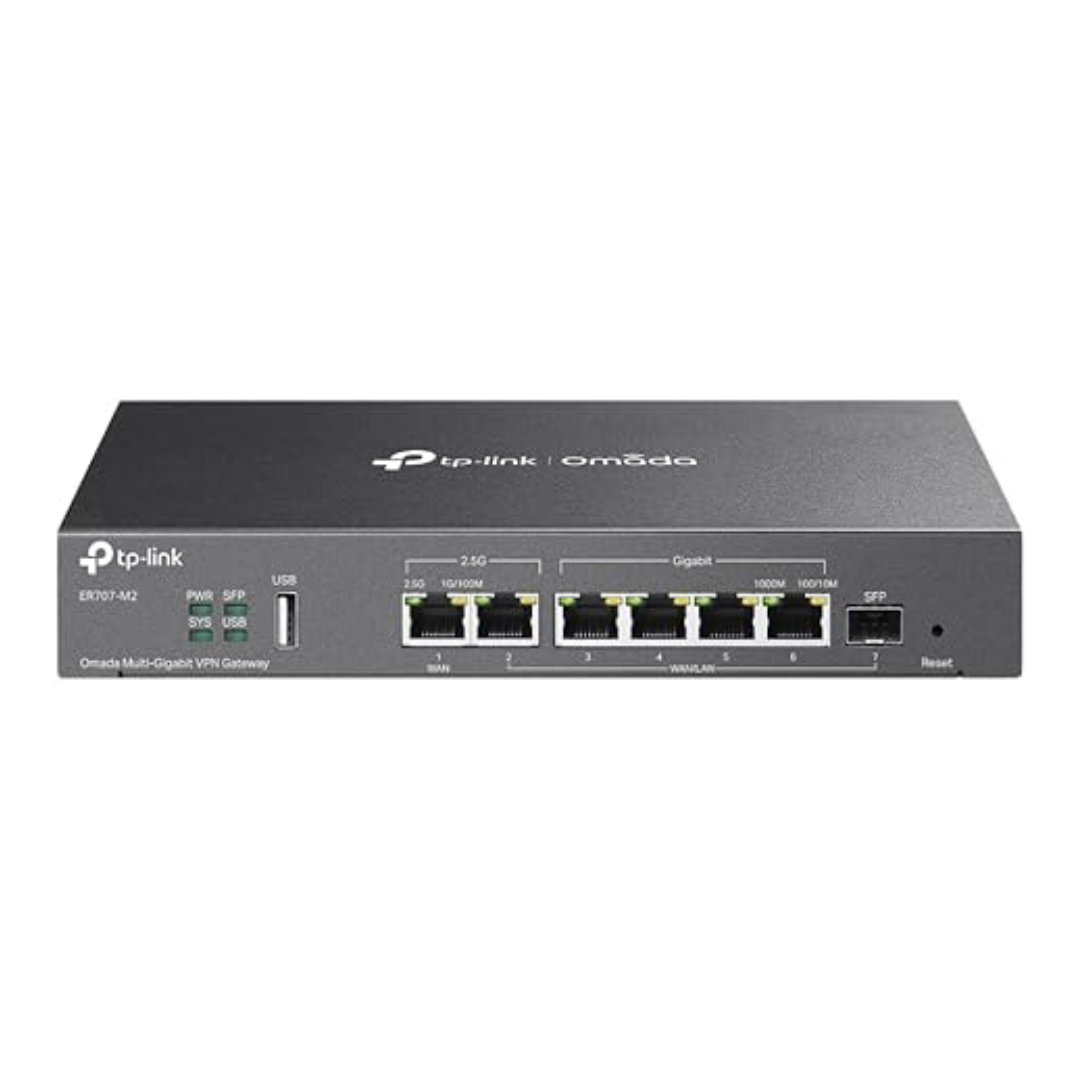
TP-Link ER707-M2 Omada Router
$1,498.00
TP-Link ER707-M2 Omada Router | Fast VPN, Cloud Control
Need a strong router for work? The TP-Link ER707-M2 gives fast, safe networking. First, it has fast Multi-Gig ports. Because of this, internet speed stays high. Also, the Omada app lets you manage from anywhere. Moreover, strong VPN tools keep data safe. So, your team can work remote with ease. Finally, this router grows with your business.
Key Features & Real Benefits
- Fast Multi-Gig Ports – Get one 2.5G WAN port plus more. As a result, you can mix internet types easily.
- Combine Internet Lines – Join multiple connections for faster total speed. Therefore, your office stays online if one fails.
- Handles Heavy Traffic – Supports 500,000 sessions at once. Plus, video calls and apps run smooth.
- Connect 1000+ Devices – Add phones, laptops, cameras, and more. So, your network grows without slowing down.
- Cloud Control via Omada – Manage all sites from one app. Because settings sync online, updates work anywhere.
- Strong VPN Security – Run up to 100 IPsec tunnels. Also, OpenVPN, L2TP, and PPTP add flexible access.
- USB Port for Backup – Plug in a USB drive for storage. Or, add an LTE dongle for backup internet.
Ideal Uses
Small Business – Run your office network with speed. Since it handles 1000+ devices, growth is easy.
Multi-Location Shops – Manage stores or cafes from one spot. Moreover, cloud sync keeps settings the same everywhere.
Remote Teams – Connect staff safely with VPN. Therefore, people access files from any place.
IT Service Providers – Deploy routers for client networks. Because Omada works well, setup is fast.
Technical Specs
| Feature | Detail |
|---|---|
| Brand/Model | TP-Link ER707-M2 |
| Product Type | Omada Multi-Gigabit VPN Router |
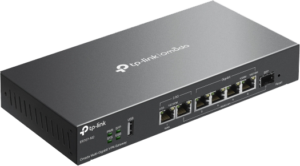
| WAN Ports | 1× 2.5GbE WAN, 1× 2.5GbE WAN/LAN, 4× 1GbE WAN/LAN, 1× 1GbE SFP |
| USB Port | 1× USB 2.0 (storage + LTE dongle support) |
| Concurrent Sessions | Up to 500,000 |
| Max Clients | 1000+ devices |
| VPN Tunnels | 100× IPsec, 66× OpenVPN, 60× L2TP, 60× PPTP |
| Management | Omada Hardware Controller, Software Controller, or Cloud Controller |
| Cloud Access | Yes, via Omada app or web portal |
| Failover Support | WAN/LAN backup, LTE dongle backup |
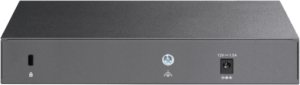
| Power | 12V/1.5A DC adapter |
| Dimensions | Compact desktop design |
| Warranty | 2-year limited |
Why Pick This Router?
Businesses trust TP-Link for good gear. Indeed, the ER707-M2 blends speed and safety. Because it uses Omada tech, setup stays simple. Moreover, Multi-Gig ports ready you for faster internet. As a result, you avoid costly swaps later. Also, strong VPN tools keep remote teams safe. Therefore, your data stays protected. Finally, cloud control saves IT time.
Setup Tips
- Plug internet lines into WAN ports. Then, power on and open the Omada app.
- Add the router to your Omada controller. Because this enables cloud control, do not skip it.
- Set up WAN backup or failover. So, your network stays on during outages.
- Create VPN tunnels for remote staff. Plus, test to ensure safe access.
- Turn on cloud access for remote control. Therefore, you can change settings from anywhere.
FAQs
Q: Does it work with Omada LTE modems?
A: Yes. Since the USB port supports LTE dongles, backup works fast. So, your business stays online.
A: Yes. Since the USB port supports LTE dongles, backup works fast. So, your business stays online.
Q: Can I manage it without cloud?
A: Yes. Use the local web page or software controller. However, cloud adds the most flexibility.
A: Yes. Use the local web page or software controller. However, cloud adds the most flexibility.
Q: How many VPN users at once?
A: It supports 100 IPsec tunnels. Because each tunnel can carry many users, hundreds can connect.
A: It supports 100 IPsec tunnels. Because each tunnel can carry many users, hundreds can connect.
Q: Does it support VLANs and QoS?
A: Yes. Since it is a business router, VLAN and traffic tools are built in.
A: Yes. Since it is a business router, VLAN and traffic tools are built in.
Q: Are firmware updates automatic?
A: Updates are easy via Omada. But, you choose when to install them.
A: Updates are easy via Omada. But, you choose when to install them.
Q: Can I use this at home?
A: Yes. It works for advanced home networks. However, its business tools shine with many users.
A: Yes. It works for advanced home networks. However, its business tools shine with many users.
Data Sheet pdf
Installation Guide pdf
| Weight | 3 lbs |
|---|---|
| Dimensions | 12.9 × 9.5 × 3.1 in |
Only logged in customers who have purchased this product may leave a review.


Reviews
There are no reviews yet.