
HP 14″ Laptop N150 4GB/128GB UFS Windows 11
$2,598.00
Availability: In stock
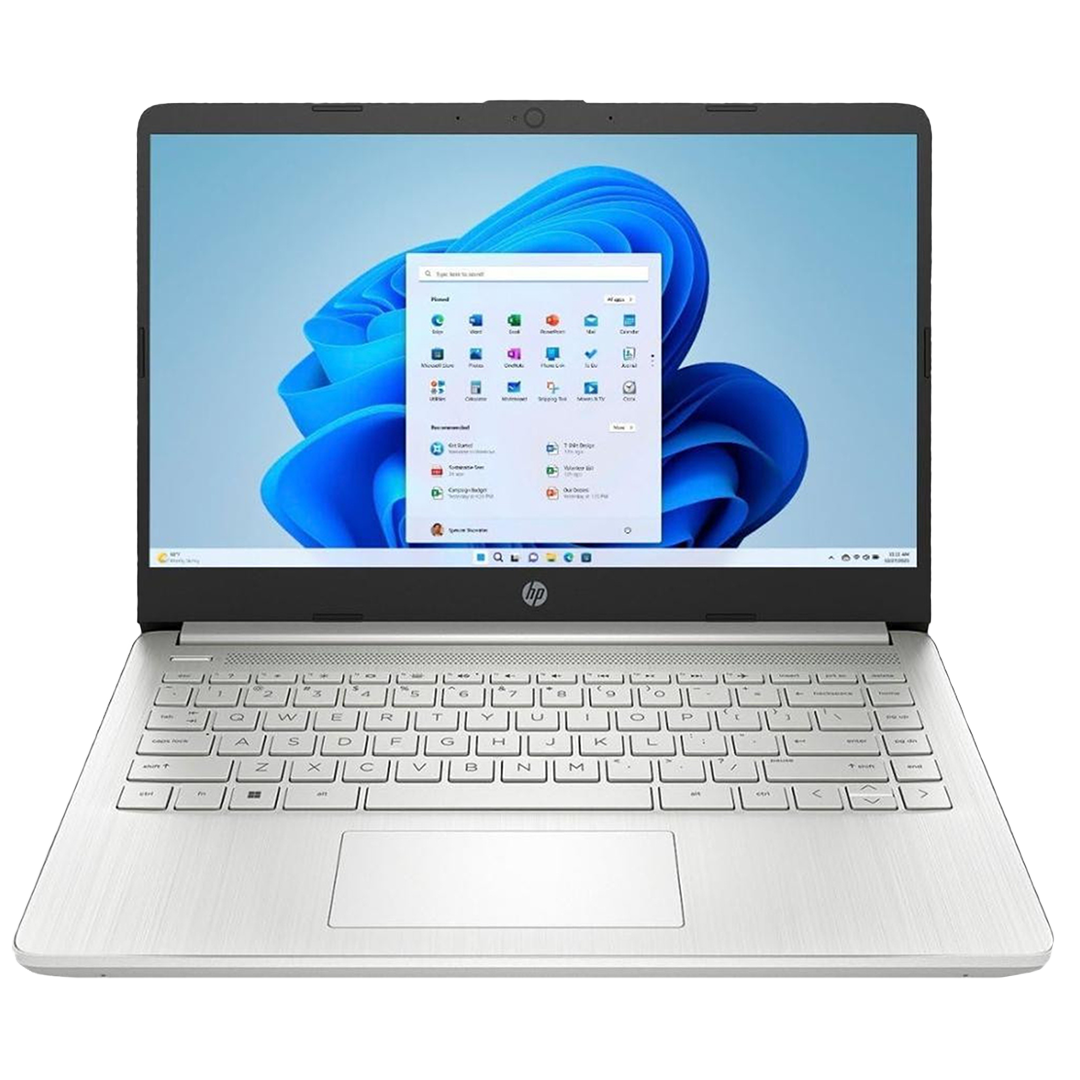
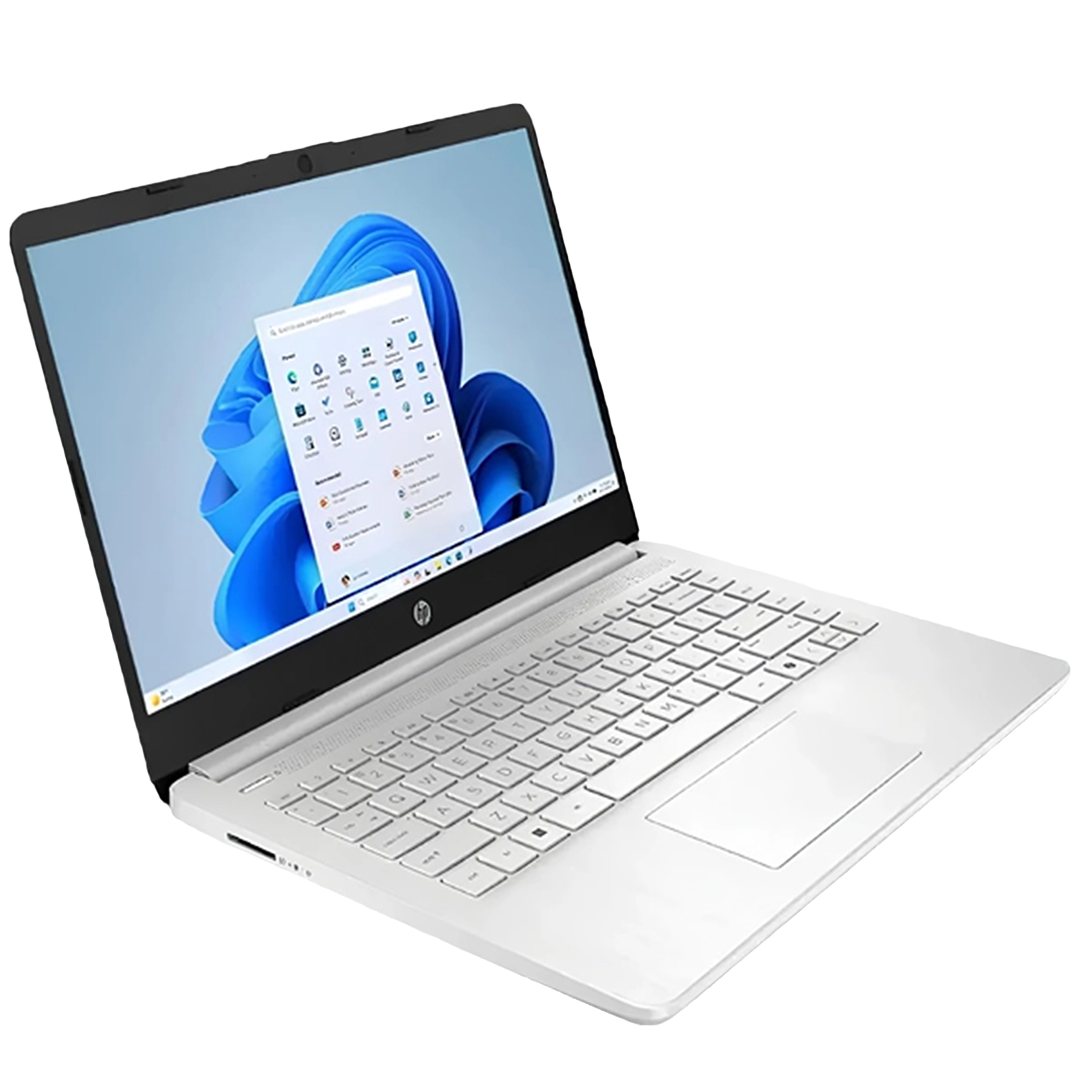
HP 14-dq6011dx Laptop | Intel N150, 4GB RAM, 128GB UFS
Need a light laptop for daily tasks? The HP 14-dq6011dx handles routine work with ease. First, it runs on the efficient Intel N150 chip. Because of this quad-core design, apps open fast. Also, the 4GB LPDDR5 RAM keeps basic tasks smooth. Moreover, the 128GB UFS storage boots Windows quickly. Consequently, you spend less time waiting and more time working. The slim silver build fits easily in any bag. Finally, modern ports keep you connected on the go.
Key Features & Real-World Benefits
- 14″ HD Micro-Edge Display – The screen shows clear text and video. As a result, reading and streaming stay comfortable.
- Intel N150 Processor – This chip reaches up to 3.6 GHz. So, browsing and typing feel snappy.
- 4GB RAM + 128GB UFS Storage – You can run a few apps at once. Meanwhile, UFS storage loads files faster than older drives.
- Windows 11 Home (S Mode) – This secure OS blocks unsafe downloads. Therefore, your laptop stays protected for students and casual users.
- Intel Integrated Graphics – Built-in visuals handle HD media well. Plus, they save battery life for longer use.
- Wi-Fi 6 & Bluetooth 5.4 – Get faster downloads and stable video calls. Also, wireless accessories pair without delay.
- HP Fast Charge – Reach 50% battery in about 45 minutes. Because of this feature, you can return to work quickly.
- HD Camera & Dual Mics – Look clear on Zoom or Teams calls. Consequently, remote meetings sound and look professional.
Connectivity & Port Options
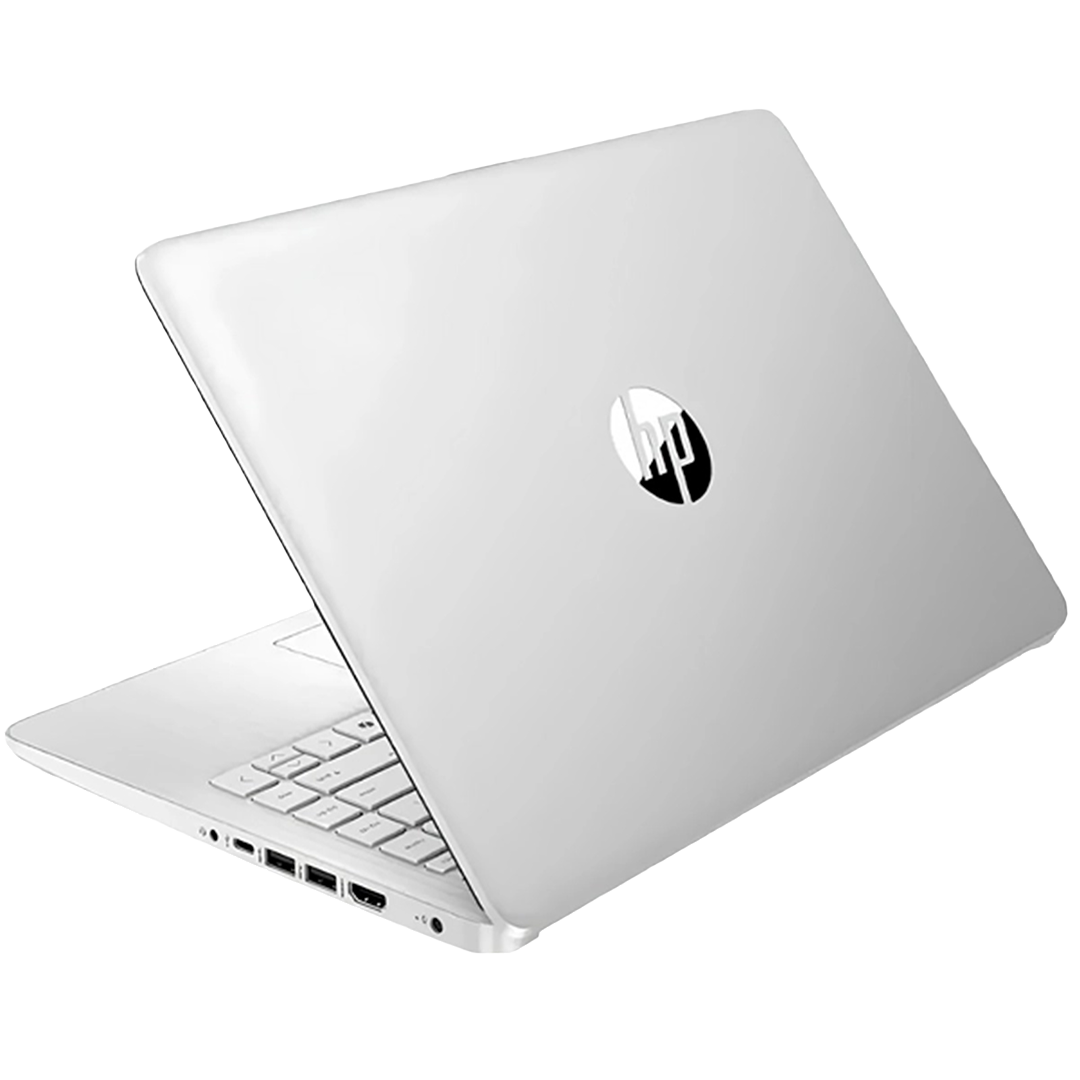
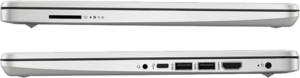
Stay ready for any workspace setup. First, the USB-C port supports fast data and external displays. Next, two USB-A slots fit your mouse and flash drives. Also, the HDMI output links to TVs or monitors. Moreover, the SD card reader moves photos and files fast. Finally, the combo jack handles headphones for clear audio.
Ideal Use Cases
Students – Write essays and join online classes easily. Since the laptop is light, carrying it to campus is simple.
Remote Workers – Handle email, spreadsheets, and video chats. Because Wi-Fi 6 stays stable, calls drop less often.
Casual Users – Stream shows, browse the web, and manage files. Therefore, it covers daily home needs perfectly.
Technical Specifications
| Feature | Detail |
|---|---|
| Model | HP 14-dq6011dx |
| Screen | 14″ HD (1366 x 768), Micro-Edge |
| Processor | Intel N150 (up to 3.6GHz, 4 cores) |
| Memory | 4GB LPDDR5 RAM |
| Storage | 128GB UFS |
| Operating System | Windows 11 Home (S Mode) |
| Graphics | Intel Integrated |
| Wireless | Wi-Fi 6 (2×2), Bluetooth 5.4 |
| Ports | USB-C, 2x USB-A, HDMI 1.4b, SD reader, Audio combo |
| Battery | HP Fast Charge (50% in ~45 min) |
| Design | Slim, Lightweight, Natural Silver |
Why Choose This HP Laptop?
Shoppers on a budget love this model. Indeed, it delivers core features at a fair price. Because it uses modern UFS storage, daily tasks feel quick. Moreover, the 14-inch screen offers enough space for work. As a result, you avoid the clutter of a tiny display. Also, Wi-Fi 6 future-proofs your connection. Therefore, this laptop stays useful for years. Finally, the slim design makes travel stress-free.
Setup & Care Tips
- Plug in the charger and power on the device. Then, follow the Windows 11 setup steps.
- Keep the OS in S Mode for best security. Because it only runs verified apps, malware risks drop.
- Connect to a 5GHz Wi-Fi network. So, you get the fastest speeds from Wi-Fi 6.
- Use a USB-C hub if you need extra ports. Therefore, you can add Ethernet or extra displays easily.
- Clean the screen with a soft cloth. Plus, avoid harsh chemicals to protect the display.
Frequently Asked Questions
Q: Can I upgrade the RAM or storage?
A: The RAM is fixed to the board. However, the UFS drive may be replaceable. So, check the HP service manual first.
A: The RAM is fixed to the board. However, the UFS drive may be replaceable. So, check the HP service manual first.
Q: Can I switch out of Windows 11 S Mode?
A: Yes. Since Microsoft allows a free switch, you can install any app from the web. But, you cannot switch back later.
A: Yes. Since Microsoft allows a free switch, you can install any app from the web. But, you cannot switch back later.
Q: Is this good for gaming?
A: No. It handles light games only. Because it uses integrated graphics, focus on work and media instead.
A: No. It handles light games only. Because it uses integrated graphics, focus on work and media instead.
Q: Does the USB-C port charge the laptop?
A: No. It uses a standard barrel charger. So, keep the original power adapter for charging.
A: No. It uses a standard barrel charger. So, keep the original power adapter for charging.
Q: How is the battery life for school?
A: You can expect 5–7 hours of light use. Therefore, it easily covers most class schedules.
A: You can expect 5–7 hours of light use. Therefore, it easily covers most class schedules.
Driver Support
[Click Here]
[Click Here]

| Weight | 4.4 lbs |
|---|---|
| Dimensions | 14 × 10 × 2 in |
Only logged in customers who have purchased this product may leave a review.
Related products
-
Dell Latitude 3540 15.6″ i5-1335U
$9,398.00 -
Lenovo IdeaPad 2-in-1 Laptop
$6,598.00
Reviews
There are no reviews yet.