
Cooler Master MasterBox Q300L Micro-ATX Case
$598.00
Availability: In stock
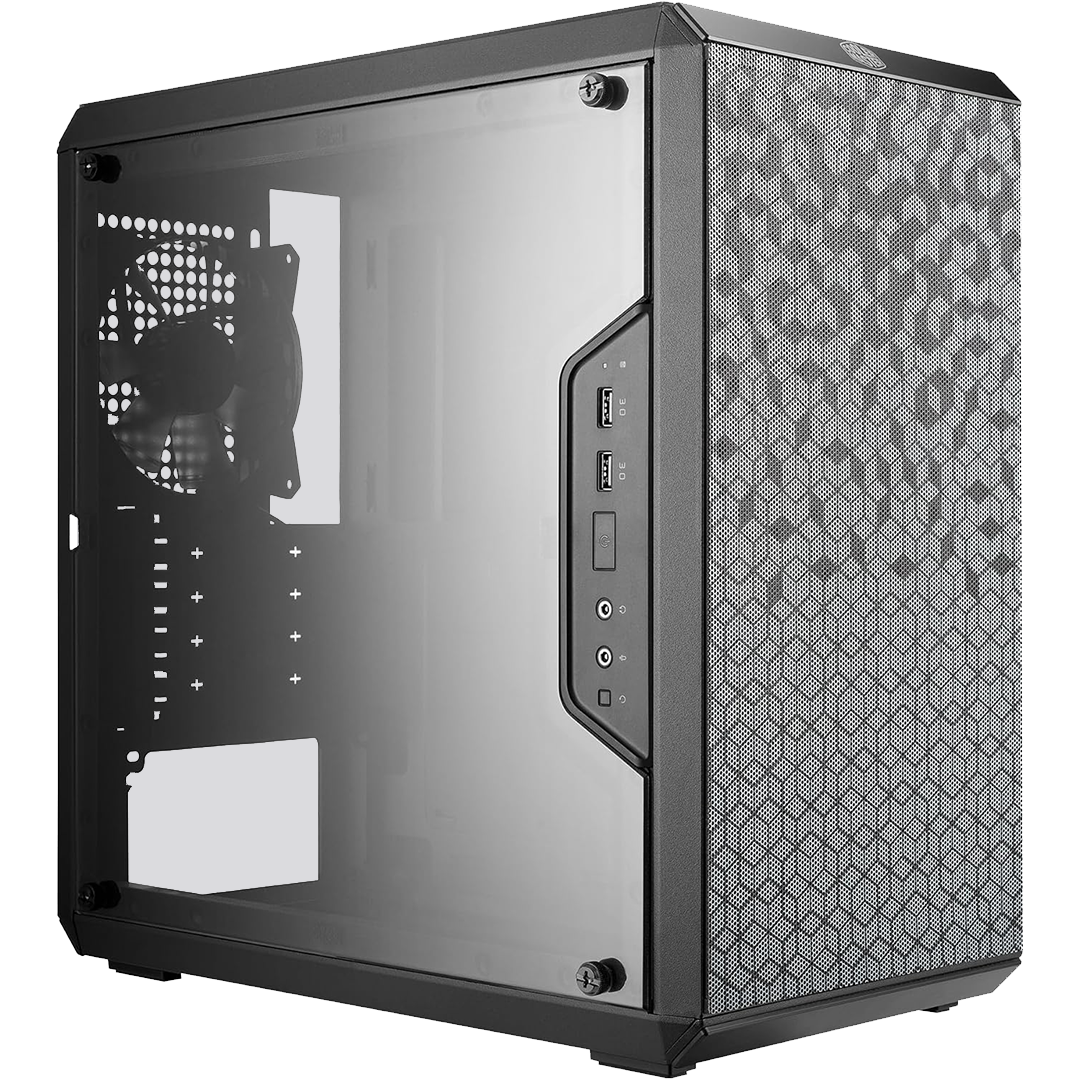
Cooler Master MasterBox Q300L | Compact Micro-ATX Case, High Airflow
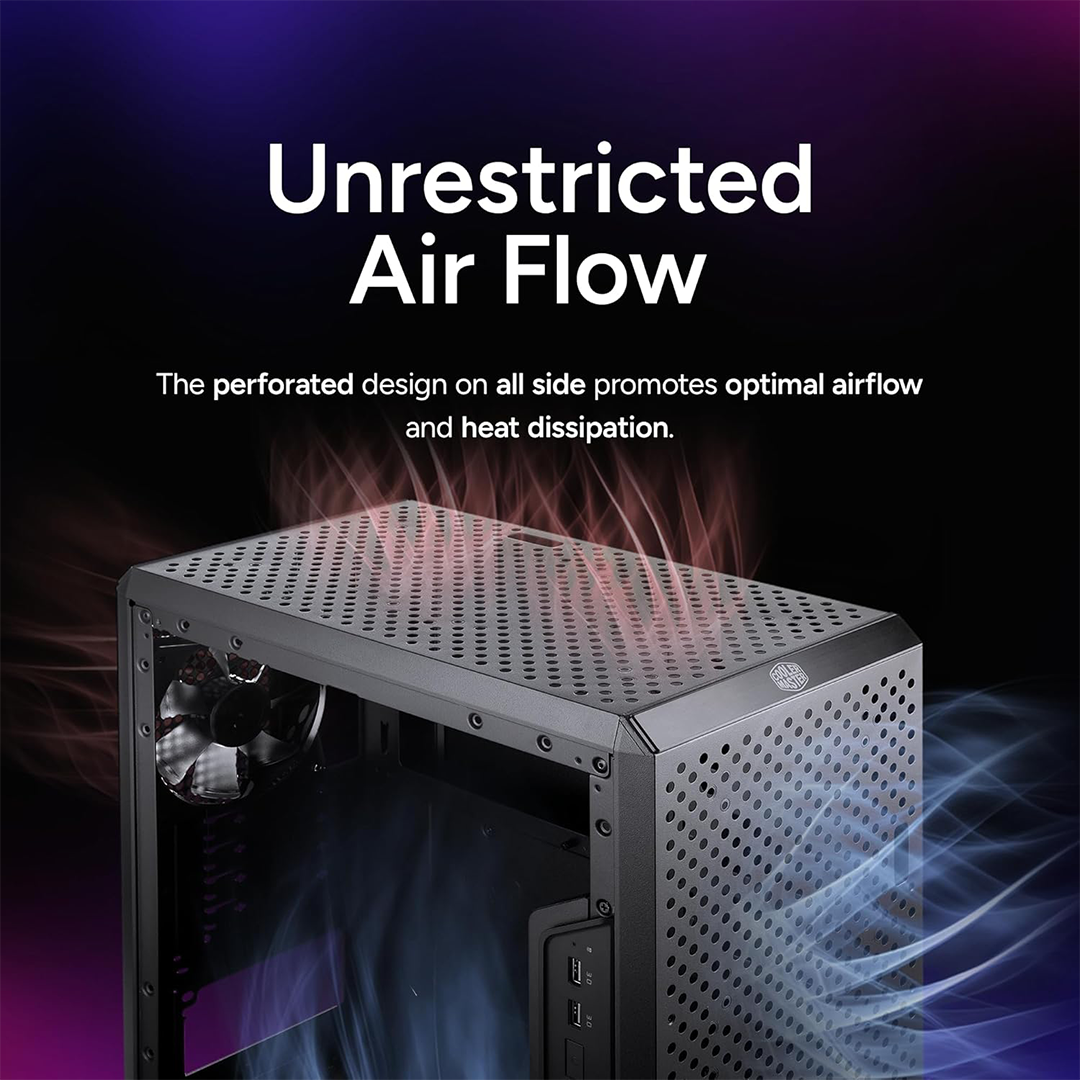
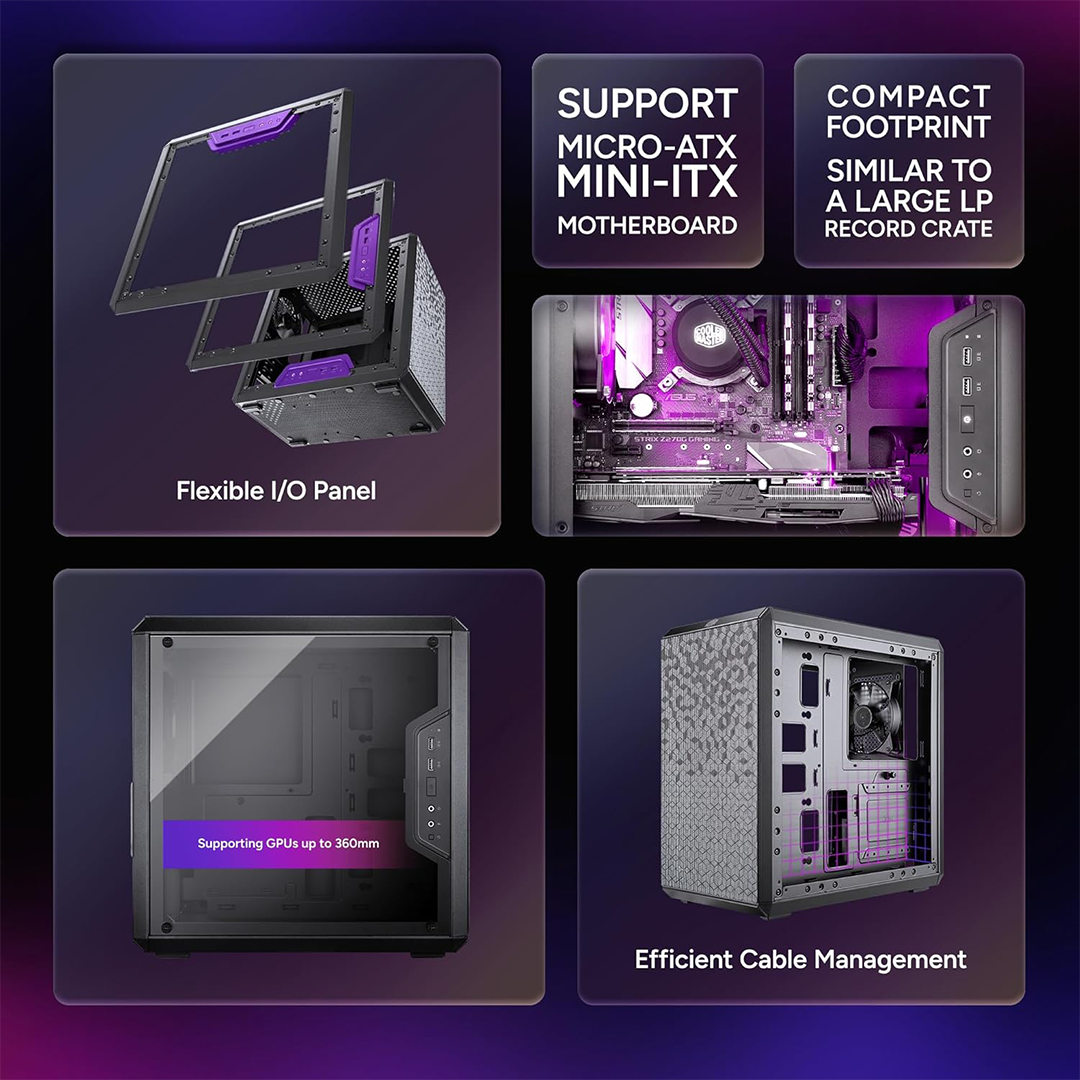
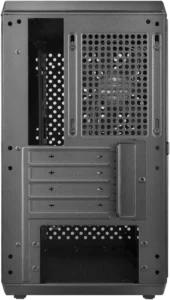
Need a small case with great cooling? The Cooler Master MasterBox Q300L fits the bill. First, its ventilated design pulls in fresh air fast. Because of this, your parts stay cool under load. Also, the adjustable I/O panel fits six positions. Moreover, you can place the case vertical or horizontal. Consequently, your desk setup stays flexible and clean. Finally, magnetic dust filters keep debris out with ease.
Key Features & Real Benefits
- Adjustable I/O Panel – Move ports to six different spots. As a result, cable routing fits your build style.
- Vertical or Horizontal Use – Place the case flat or upright. So, it adapts to tight desk spaces.
- Transparent Acrylic Side Panel – Show off your parts with a clear view. Therefore, RGB builds look great inside.
- High Airflow Design – Mesh panels on front, top, and bottom. Because of this, heat exits fast and quiet.
- Magnetic Dust Filters – Snap-off filters clean in seconds. Plus, they protect fans and vents from dust.
- Cable Management Space – Extra room behind the motherboard tray. So, wires stay hidden and airflow stays clear.
- Bottom PSU Mount – Fits standard ATX power supplies below. Therefore, heat from the PSU vents away from parts.
Ideal Use Cases
Compact Gaming Builds – Fit a strong GPU in a small box. Since airflow is high, temps stay low during games.
Home Office PCs – Build a quiet, clean system for work. Because of the slim design, it fits under desks.
Media Center HTPCs – Place the case horizontal for shelf use. Moreover, the clear panel adds a modern touch.
First-Time Builders – Learn cable management in a forgiving case. Therefore, new users finish builds with confidence.
Technical Specifications
| Feature | Detail |
|---|---|
| Brand/Model | Cooler Master MasterBox Q300L |
| Part Number | MCB-Q300L-KANN-S00 |
| Case Type | Mini-Tower, Micro-ATX / Mini-ITX |
| Color/Material | Black, Alloy Steel + Plastic |
| Dimensions | 15.0″ × 9.1″ × 15.2″ (L×W×H) |
| Weight | ~8.6 lbs |
| Motherboard Support | Micro-ATX, Mini-ITX |
| PSU Support | Standard ATX, bottom mount |
| Drive Bays | 2× 3.5″ or 2× 2.5″ combo |
| Expansion Slots | 4 (supports dual-slot GPU) |
| Fan Support | Front: 2× 120mm, Top: 2× 120mm, Rear: 1× 120mm |
| Radiator Support | Front: up to 240mm, Rear: 120mm |
| I/O Ports | 2× USB 3.0, Audio In/Out |
| Clearance | GPU: up to 360mm, CPU Cooler: up to 159mm |
| Dust Filters | Magnetic, front + bottom + top |
| Side Panel | Edge-to-edge transparent acrylic |
Why Choose This Case?
Builders trust Cooler Master for smart, affordable cases. Indeed, the Q300L blends size, airflow, and value. Because of its ventilated mesh, cooling stays efficient. Moreover, the adjustable I/O panel adds unique flexibility. As a result, cable management feels less stressful. Also, magnetic filters make cleaning quick and easy. Therefore, your system stays clean with minimal effort. Finally, the clear panel showcases your hard work proudly.
Build & Setup Tips
- Plan your I/O panel position before assembly. Then, route cables toward that side first.
- Install magnetic dust filters before powering on. Because they block debris, parts stay cleaner longer.
- Use cable ties behind the motherboard tray. So, airflow stays unblocked and your build looks tidy.
- Mount fans for front-to-back airflow. Therefore, cool air enters and hot air exits smoothly.
- Test fit your GPU before final cable runs. Plus, leave room for power connectors at the end.
Frequently Asked Questions
Q: Does it fit a full-size ATX PSU?
A: Yes. Since it uses a bottom mount, standard ATX power supplies fit. So, you can use most common PSUs.
A: Yes. Since it uses a bottom mount, standard ATX power supplies fit. So, you can use most common PSUs.
Q: Can I add liquid cooling?
A: Yes. The front supports up to a 240mm radiator. However, check GPU length clearance before installing.
A: Yes. The front supports up to a 240mm radiator. However, check GPU length clearance before installing.
Q: Is the side panel glass or acrylic?
A: It is acrylic, not tempered glass. Because of this, it is lighter and less fragile.
A: It is acrylic, not tempered glass. Because of this, it is lighter and less fragile.
Q: How many fans can I install?
A: Up to five 120mm fans total. Therefore, you can build strong airflow for hot parts.
A: Up to five 120mm fans total. Therefore, you can build strong airflow for hot parts.
Q: Does it support long graphics cards?
A: Yes. GPUs up to 360mm fit with room. So, most mid-range and high-end cards work.
A: Yes. GPUs up to 360mm fit with room. So, most mid-range and high-end cards work.
Q: Is it easy for first-time builders?
A: Yes. Since cable space is generous, routing stays simple. Therefore, new users finish builds with less stress.
A: Yes. Since cable space is generous, routing stays simple. Therefore, new users finish builds with less stress.
Technicial Specifications
| Weight | 12 lbs |
|---|---|
| Dimensions | 19 × 17 × 11 in |
Only logged in customers who have purchased this product may leave a review.
Related products
-
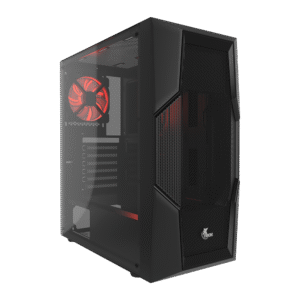
XTech XTQ-214 Computer Case
$398.00

Reviews
There are no reviews yet.